
The biggest gain is almost always in your mounting location
Vibrations are not the same everywhere on your motorcycle. Your phone can be firmly in place and still look restless, simply because you are mounting at a point that vibrates itself. You especially notice this in readability: text becomes blurry or the map "jumps" at a certain RPM range.
What you often see:
- Close to a sturdy center piece of the handlebars is usually calmer than all the way at the end, because the end moves along faster.
- A spot on the fairing or windscreen bracket is nice in your line of sight. If you see a constant "buzz vibration" at a steady speed, that part often resonates.
- A mirror mount is out of the way. But if the mirror arm vibrates, you also transfer that movement to your phone.
Practical hint: if your screen becomes blurry mainly at a certain RPM, first check if the mounting point itself is moving along. That is often the quickest route to a more stable image.
When does your phone shake loose then?
Usually, everything stays firmly in place, but if there is a little bit of movement or pulling force returning, something can feel looser over time. You often notice this early: the phone is just tilted a bit, the base is slightly twisted, or there is suddenly some play. Sometimes you feel a small "tick" when you touch the phone.
These are the situations you encounter most often:
- Just not fully locked: if your phone is not completely turned into the lock, there is a tiny bit of play. You then feel a small click. Solution: really turn it fully until it "grabs" tightly.
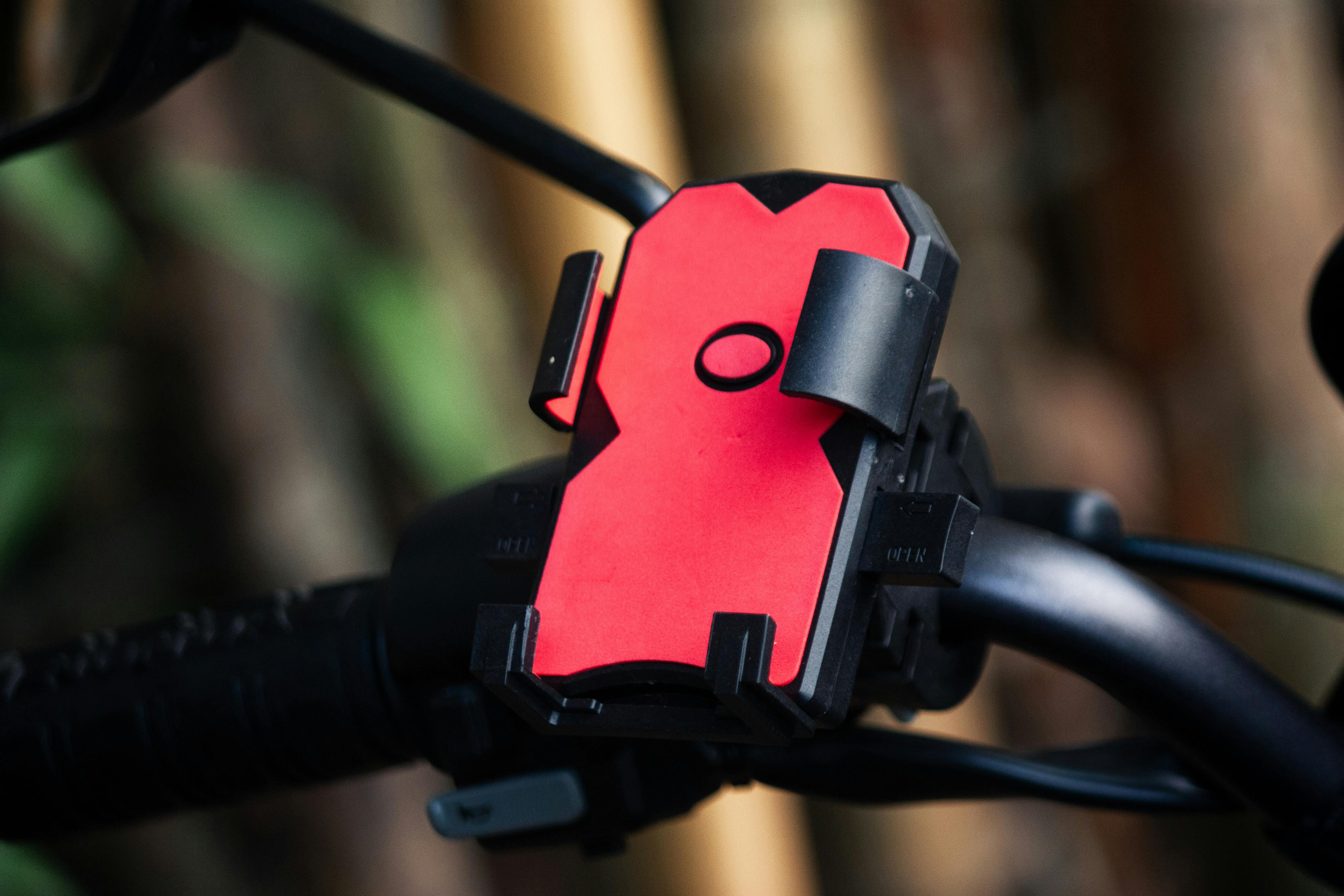
- Clamp that doesn't really grip: for example, if the handlebar diameter just doesn't match, the surface is smooth, or you are clamping on a tapered piece. You then see after a ride that the entire base is slightly twisted. Solution: clamp on a straight piece where the clamp makes even contact all around.
- Cable that pulls along: a charging cable that is tight gives a jerk with handlebar movement or bumps. You feel tension when fully left/right or see the phone being pulled along. Solution: routing with enough slack so that there is no continuous force on it anywhere.
- A lot of wind pressure: a phone high and upright catches wind. At higher speeds, the image can flutter more, even if everything is secured. Solution: mounting lower and/or tilting a bit more backward often helps.
Check in 2 minutes if your setup stays calm
Do a quick check before you ride off. Give your phone a slight tilt movement: it should not make any clicking or play. Then push the base of the mount sideways. If you see the base moving along, then your mounting point or clamp is usually not stiff enough.
Also steer fully left and right. Then you immediately notice if a cable is pulling tight, rubbing along an edge, or subtly pushing your phone along. Finally, check your line of sight: if you have to stretch your neck to see the screen, you will end up fiddling with your position again later. A logical, comfortable spot stays neatly in place more easily.
Choose what fits your riding style (and know where it pinches)
First choose stability and then a "nice" spot. For touring and commuting, a position is handy where you can reach it with gloves and read calmly. Disadvantage: your phone is more exposed to the wind, making it more sensitive to extra movement at higher speeds. Mounting lower or tilting a bit more backward often makes it calmer.
If you ride sportier, then low and out of the wind often gives the tightest result. Plus: less wind pressure and often a calmer image. Downside: operation and visibility become awkward faster, especially with thicker gloves. A good position keeps your gaze short on the road and your actions simple.
The gain is usually not in "tightening harder", but in how your setup absorbs forces: a stiff mounting point, a clamp that really grips all around, and cables that are not pulling anywhere. If you still see clear vibrations at a constant speed, first move to a stiffer point. If that doesn't help enough, try a lower angle and give your cables extra slack.